Show Discount: Sale BadgesShopify app · Discounts
Discount badges that sync live with your sales. One flat monthly fee. Never a cut of your revenue.
Loading
Earn 20% of every Show Discount Pro payment from the Shopify merchants you refer. No time limit and no cap on referrals.
You earn when a store you refer upgrades to Pro. Free-plan installs don’t pay commission, but many stores start free and upgrade later.
Show Discount: Sale BadgesShopify app · DiscountsDiscount badges that sync live with your sales. One flat monthly fee. Never a cut of your revenue.
Free, or $24.99/month
Pro is one flat fee, never a cut of the store’s revenue.
20% of the $24.99 monthly price, rounded to the cent, for as long as the merchant stays on Pro.
$5.00
a month, while they stay on Pro
$50
about a month
$125
about a month
$250
about a month
Examples, not promises. They assume every merchant stays on Pro, billed monthly at $24.99.
A couple of minutes to apply, then your link does the rest.
Apply on the program page on PartnerDock. Once you’re approved, your unique referral link is in your partner portal.
Post it on YouTube, in blogs and in newsletters, or send it to the developers, agencies and store owners you work with.
When a merchant you referred upgrades to Pro, you earn 20% of each monthly payment for as long as they stay on Pro.
The payout terms, as set in PartnerDock.
$100
earned before it is paid out
Monthly
on the 20th
PayPal
or bank transfer, your pick
No promise of perfect tracking, just what happens.
Your link sends the merchant to the Show Discount listing on the Shopify App Store with your code attached. An install within 30 days of the click counts.
When the browser keeps your code through the install, the app reports it with the install and it is credited to you.
Browsers that block third-party cookies drop the code. PartnerDock then matches the install to a click, and those referrals are confirmed by hand before they count.
Take what you need for your video.
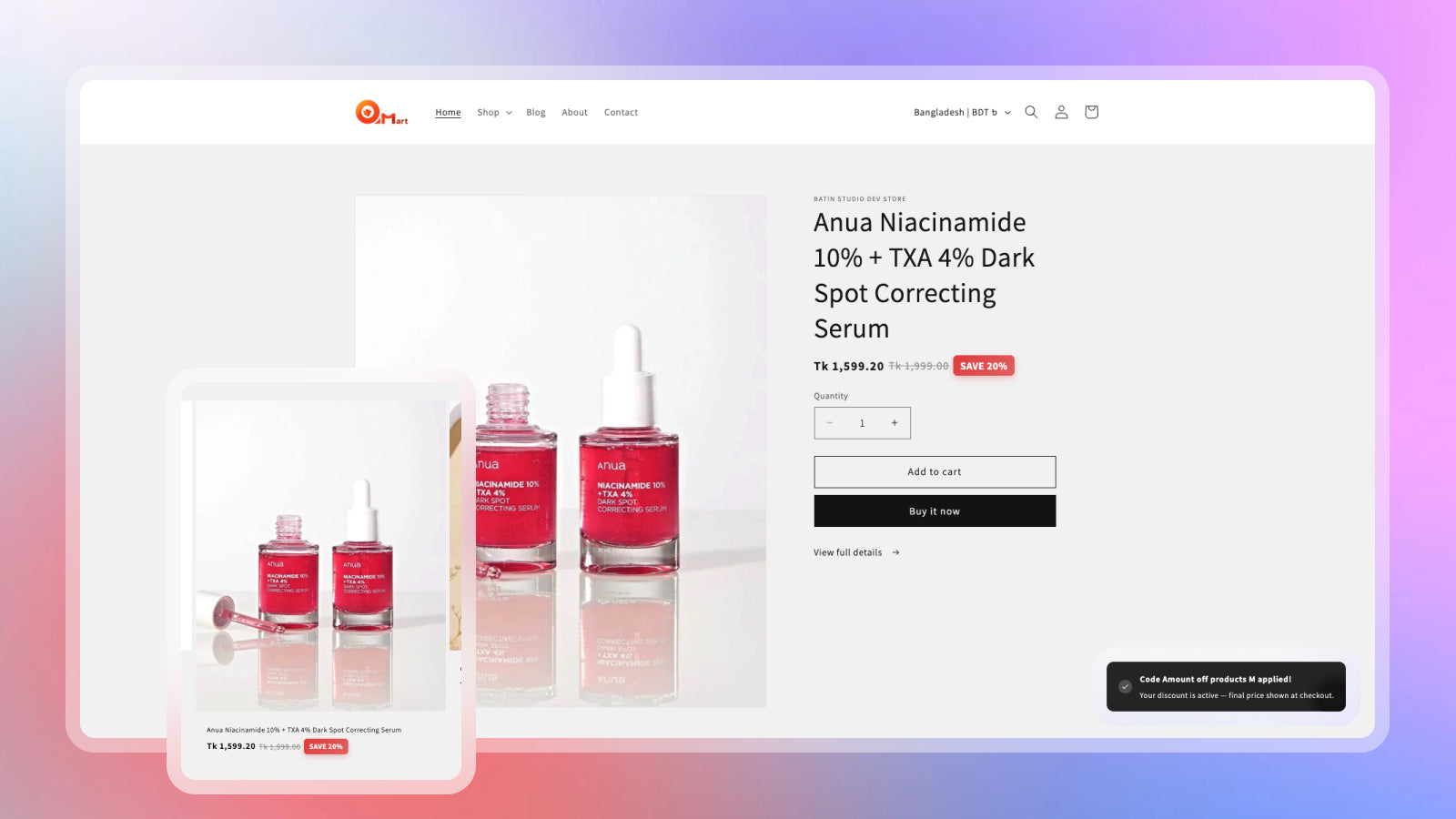
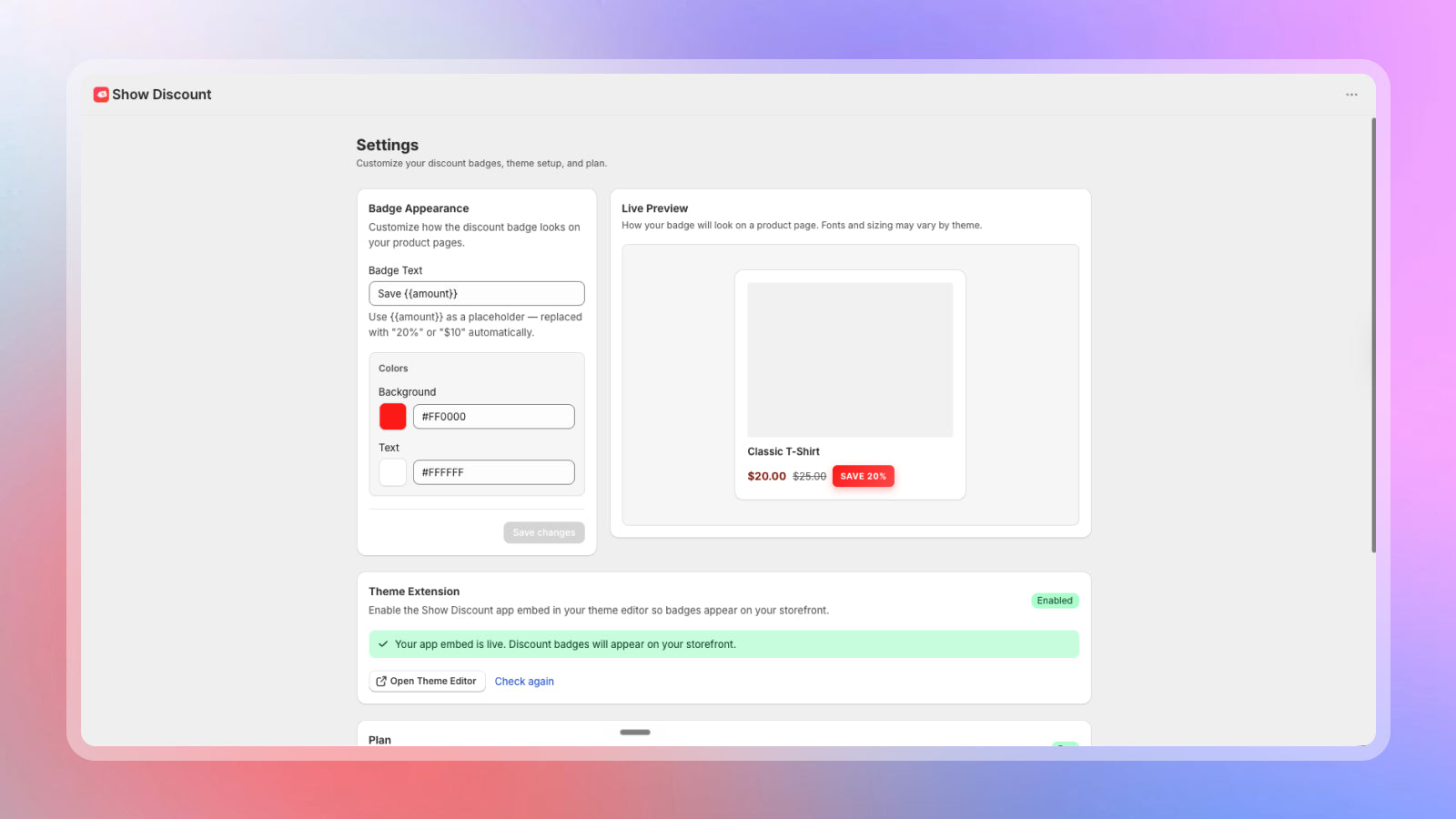
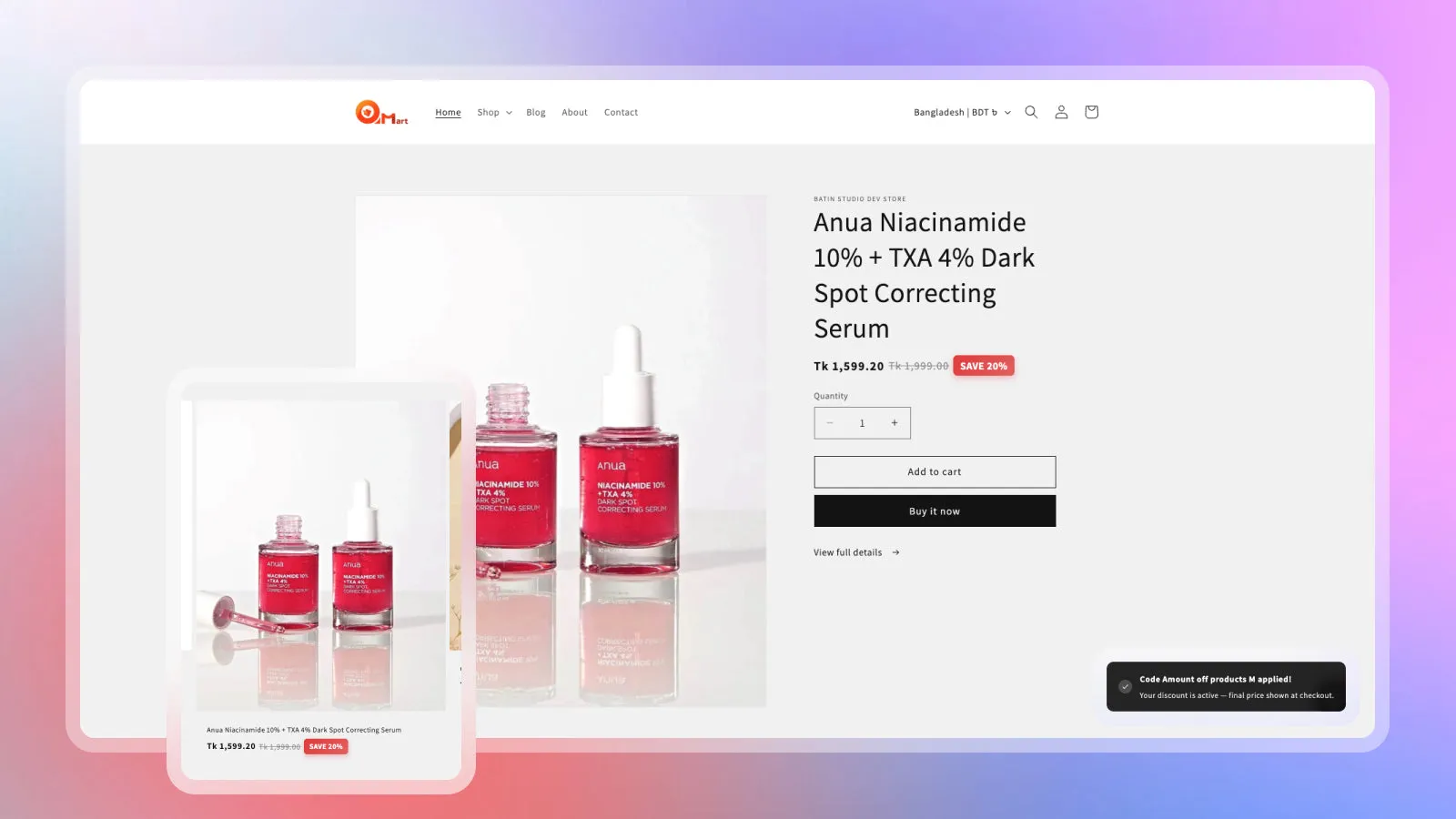
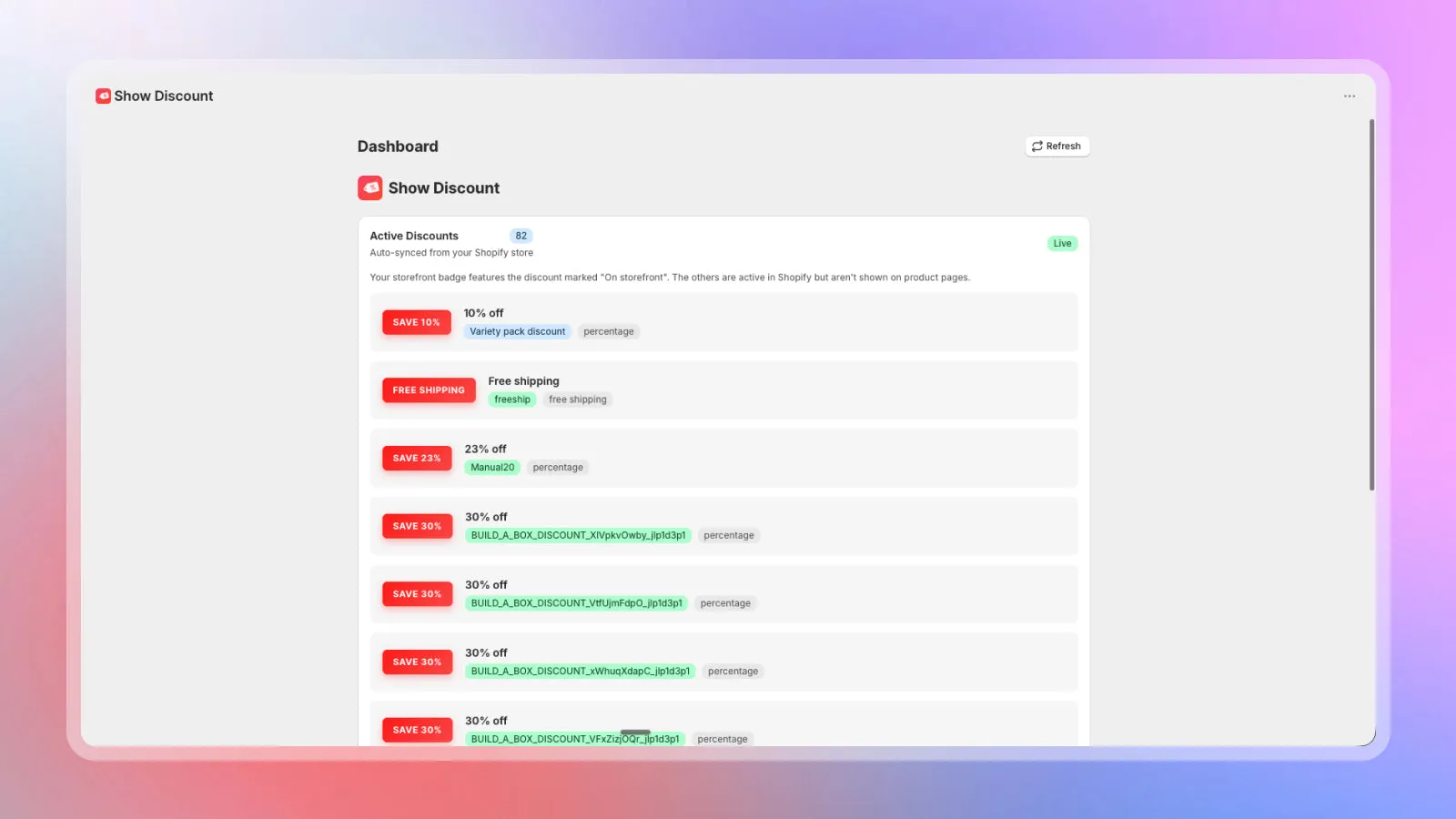
Show Discount puts clear sale badges on your Shopify product pages and keeps them in sync with your discounts automatically, so shoppers see the deal the moment they land.
“Running a sale on Shopify? Your customers might not even notice it. Here’s a quick fix.”
“By default, a discount often only shows up at checkout or in a small crossed-out price. If shoppers don’t see the deal on the product page, it doesn’t help you sell.”
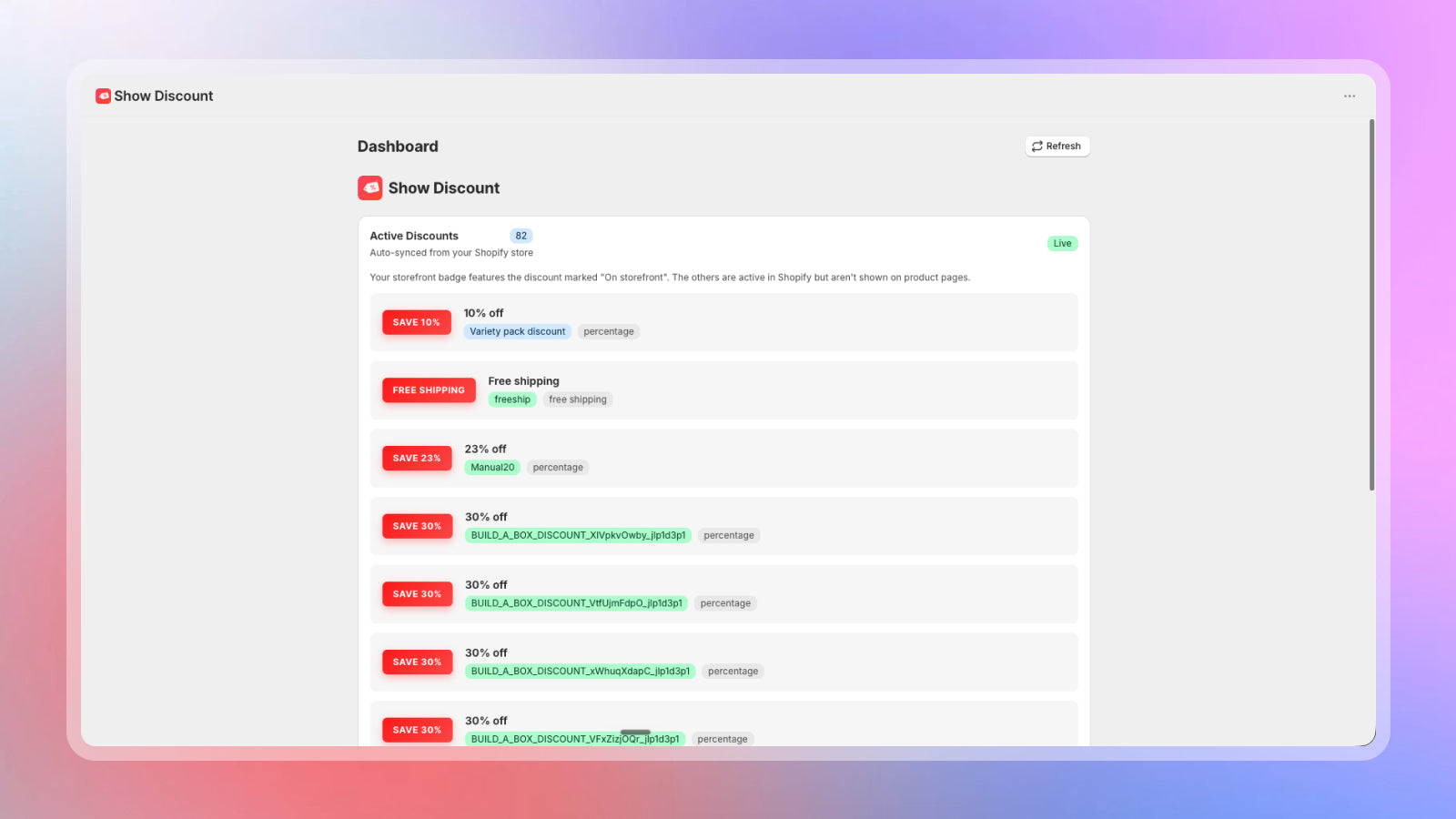
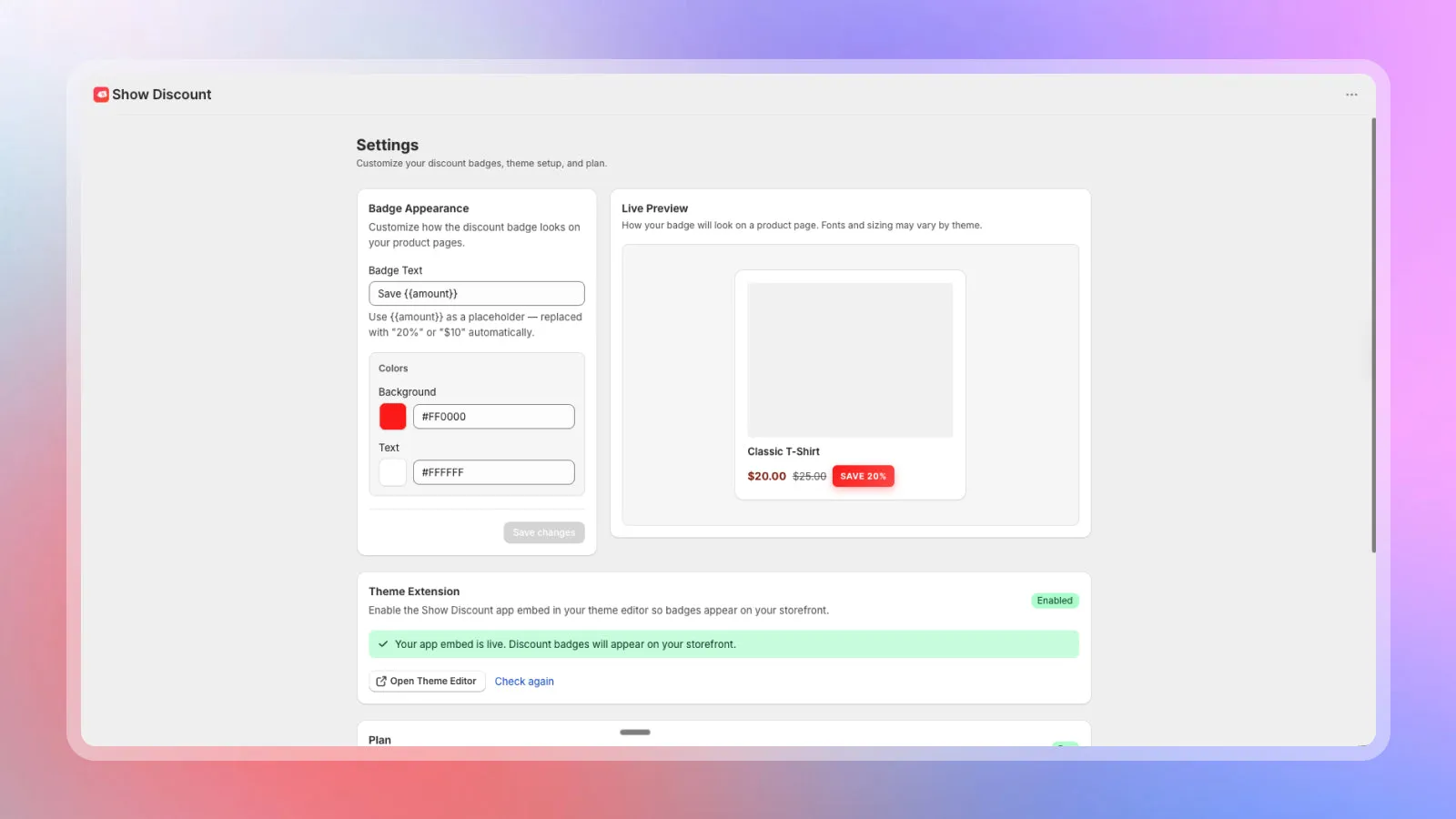
“I’m using an app called Show Discount. I install it from the Shopify App Store, pick a badge style, and it reads the discounts I already have in Shopify. Now every product on sale shows a clear badge with the discount, right on the product page. When the sale ends, the badge goes away on its own.”
“The free plan covers product page badges. Pro adds things like auto-apply discount codes and badges on collection pages.”
“I’ll leave the link in the description. There’s a free plan, so you can try it today.”
Show discounts right on your Shopify product pages with Show Discount: {AFFILIATE_LINK}
Free plan available. Badges sync automatically with your Shopify discounts, no coding needed.
Replace {AFFILIATE_LINK} with your link from the PartnerDock portal.

20% of every Pro payment from a merchant you referred, for as long as they stay on Pro. At the $24.99 monthly price that is about $5.00 a month per merchant.
No. There is no month limit and no cap on how many merchants you can refer.
No. Commission comes from Pro payments. You start earning when a merchant you referred upgrades to Pro.
Apply on the program page on PartnerDock. It takes a couple of minutes, and we review each application by hand. Once you’re approved, your referral link is in your partner portal.
Payouts run monthly, on the 20th, once you have earned $100 or more. You choose PayPal or bank transfer on your application, and the form has an Other option if neither works for you.
Your partner portal on PartnerDock shows every referral, commission and payout as it happens.
Anywhere Shopify merchants listen: YouTube, blogs and newsletters, or straight to the developers, agencies and store owners you work with.
In your partner portal on PartnerDock, once you’re approved. Paste it in place of {AFFILIATE_LINK} in the description text from the creator kit.
Write to us at [email protected] with the store’s name and the date it installed, and we will look into it.

Applications and your partner portal live on PartnerDock.